
You planned the week. Now you have to translate seven recipes into one shopping list: without buying three onions you already have, forgetting the one tin that holds a whole meal together, or wandering the supermarket backtracking between aisles. Building an automatic grocery list from your plan is the single biggest time-saver in a kitchen week, and it's the step most people still do by hand.
Three approaches, from manual to automatic.
Option 1: A notes app with a master list
The quickest fix is a reusable note: keep a master list of staples, duplicate it each week, and tick or delete as you go. It's frictionless to start and always in your pocket.
The catch is accuracy. A note doesn't know your recipes, so you're still reading each one and transcribing ingredients, and it can't aggregate, so "2 cloves garlic" here and "1 bulb" there end up as two scribbles instead of one line. You also can't scale it when guests arrive.
Option 2: A spreadsheet that totals ingredients
With some effort, a spreadsheet can do real work: a recipe tab, a quantity column, and a formula that sums ingredients into a shopping tab. Done well, it gives you a genuine grocery list from your meal plan.
But it's brittle. Every new recipe needs entering, every ingredient needs matching to your master rows, and one renamed cell breaks the totals. It's a project to maintain, and it still won't sort the result by aisle or live on your phone gracefully.
Option 3: A list that writes itself (a quiet counter)
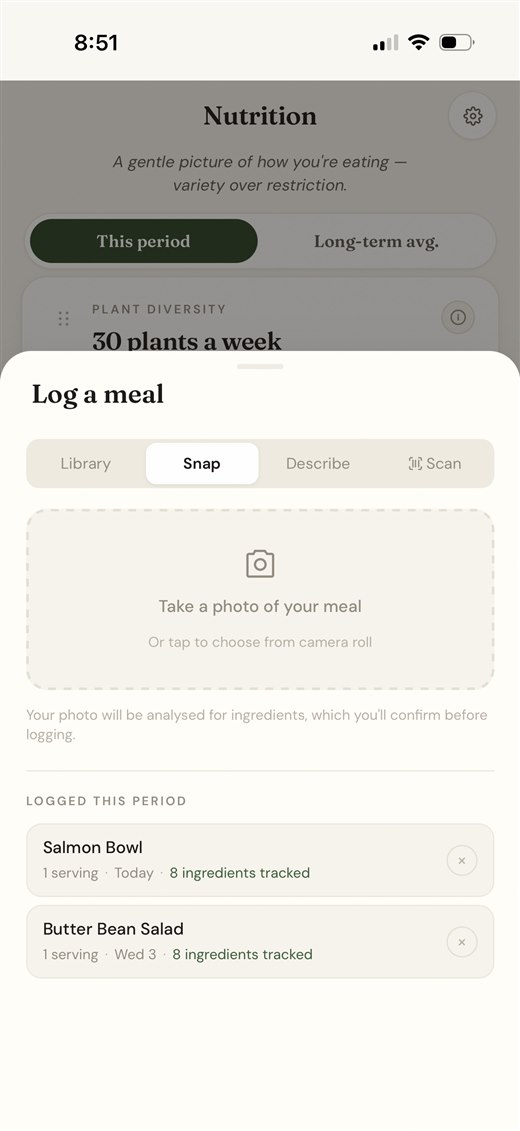
In a quiet counter, the grocery list isn't a separate thing you maintain; it's a by-product of your plan. Schedule a meal and its ingredients flow straight onto the list, already aggregated and sorted by aisle. There's nothing to copy and nothing to total.
Because it's connected to the plan, it stays correct as life changes:
- Scaled to who's eating: add two guests to Saturday and the salmon, potatoes, and lemons re-total automatically.
- Aggregated across meals: garlic needed by three recipes becomes one line, in the right quantity.
- Shareable: send it to whoever does the shopping, with notes so they buy the good soy sauce.
Where to start
If you only cook a couple of nights a week, a notes-app master list is plenty. If you want a genuine automatic grocery list that stays accurate without spreadsheet upkeep, plan your week in an app that builds the list for you. Import a handful of recipes, schedule a few nights, and watch the first list appear: by aisle, scaled, done.