
Almost everyone has tried a meal planner at some point: a fresh notebook, a printable template, a shared note. And almost everyone has watched it quietly collapse: the week starts organised, then Tuesday runs late, the chicken is still frozen, and by Thursday you're back to deciding dinner at 5pm with the fridge door open.
The problem usually isn't discipline. It's friction. A good weekly meal schedule has to be faster to keep than to abandon, and most tools ask you to do all the thinking yourself, every single week. Here are three approaches, from simplest to most automated.
Option 1: The paper planner or wall calendar
A magnetic weekly board or a printed planner on the fridge is the classic starting point, and for good reason: it's visible, shared, and zero setup. Everyone in the house can see what's for dinner.
Where it struggles is everything downstream of the plan. A wall calendar can't write your grocery list, can't tell you the salmon needs defrosting tonight, and can't be "rerun" next week when you're too tired to think. It's a display, not an engine, so the mental work still lands on you.
Option 2: The meal-planning spreadsheet
The next step up is a spreadsheet: columns for days, rows for meals, maybe a second tab for the shopping list. It's flexible and free, and if you love a spreadsheet it can feel powerful.
But a spreadsheet is only as good as the hour you put into it. You still type every meal, copy ingredients across by hand, and rebuild it when plans change. It rarely survives contact with a phone in a supermarket aisle, and it never suggests anything; it just records what you already decided.
Option 3: A meal planner that fills the week for you
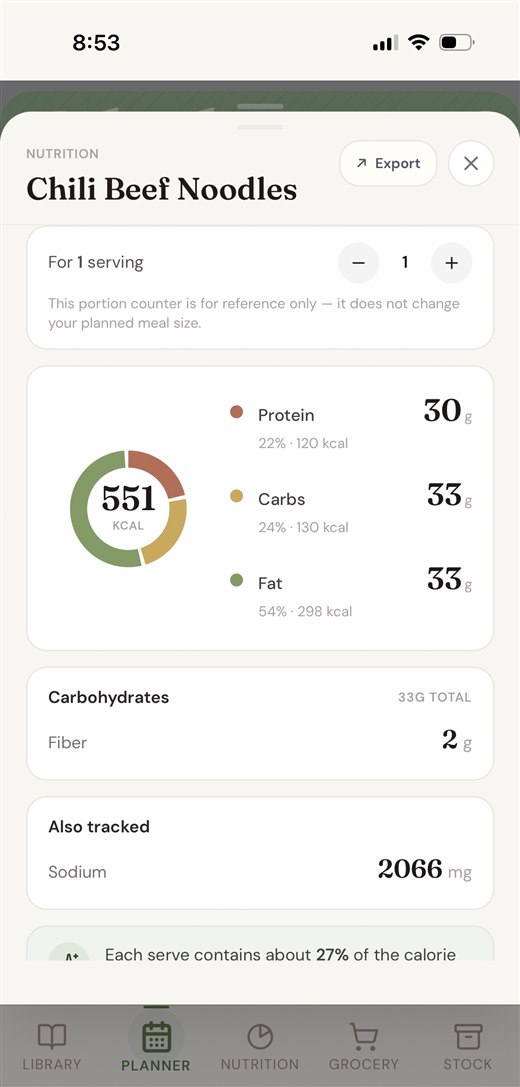
a quiet counter is built for the part the other tools leave to you. You start with a library of recipes you actually cook. Then Auto-Menu fills 7, 14, or 21 days from that library, balanced for variety, season, and shared ingredients, and you tweak with one-tap swaps. It's a meal planner that proposes, not just records.
Because the plan and the kitchen are connected, the week does real work for you:
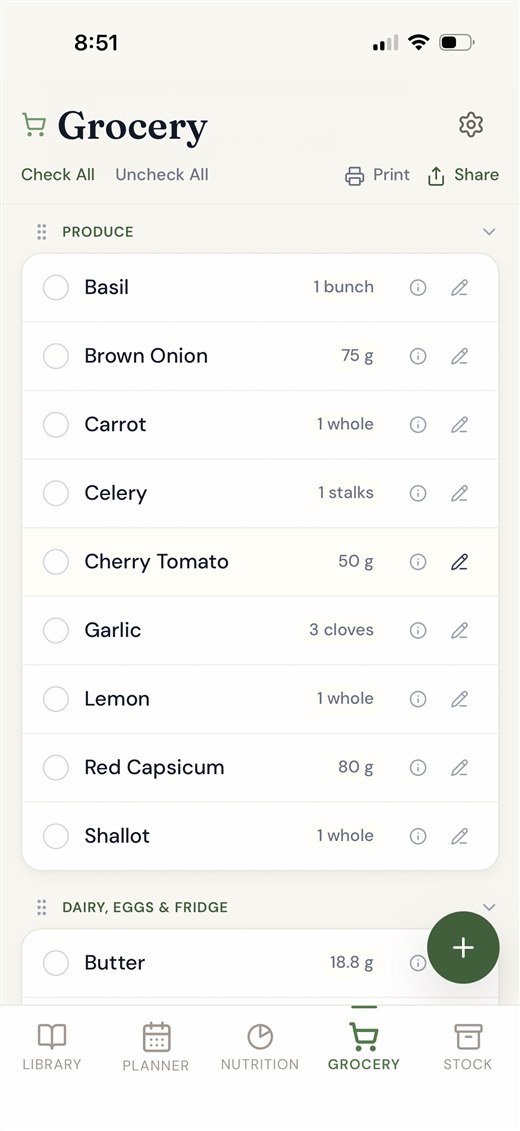
- The grocery list writes itself from every scheduled meal, sorted by aisle and scaled to your household.
- Freeze and defrost reminders land on the right day, tied to the actual meal, with a push notification so the chicken never stays frozen.
- Repeat last week in one tap when you're busy, so a good week is never a one-off.
How to choose
If you just want a shared display, a wall calendar is fine. If you love tinkering, a spreadsheet will scratch the itch. But if you want the meal schedule to actually reduce your week's mental load (to plan, shop, and remind on your behalf), a connected app is the only option that removes the friction instead of relocating it. Start free and import the twenty recipes you already make; the rest follows.