
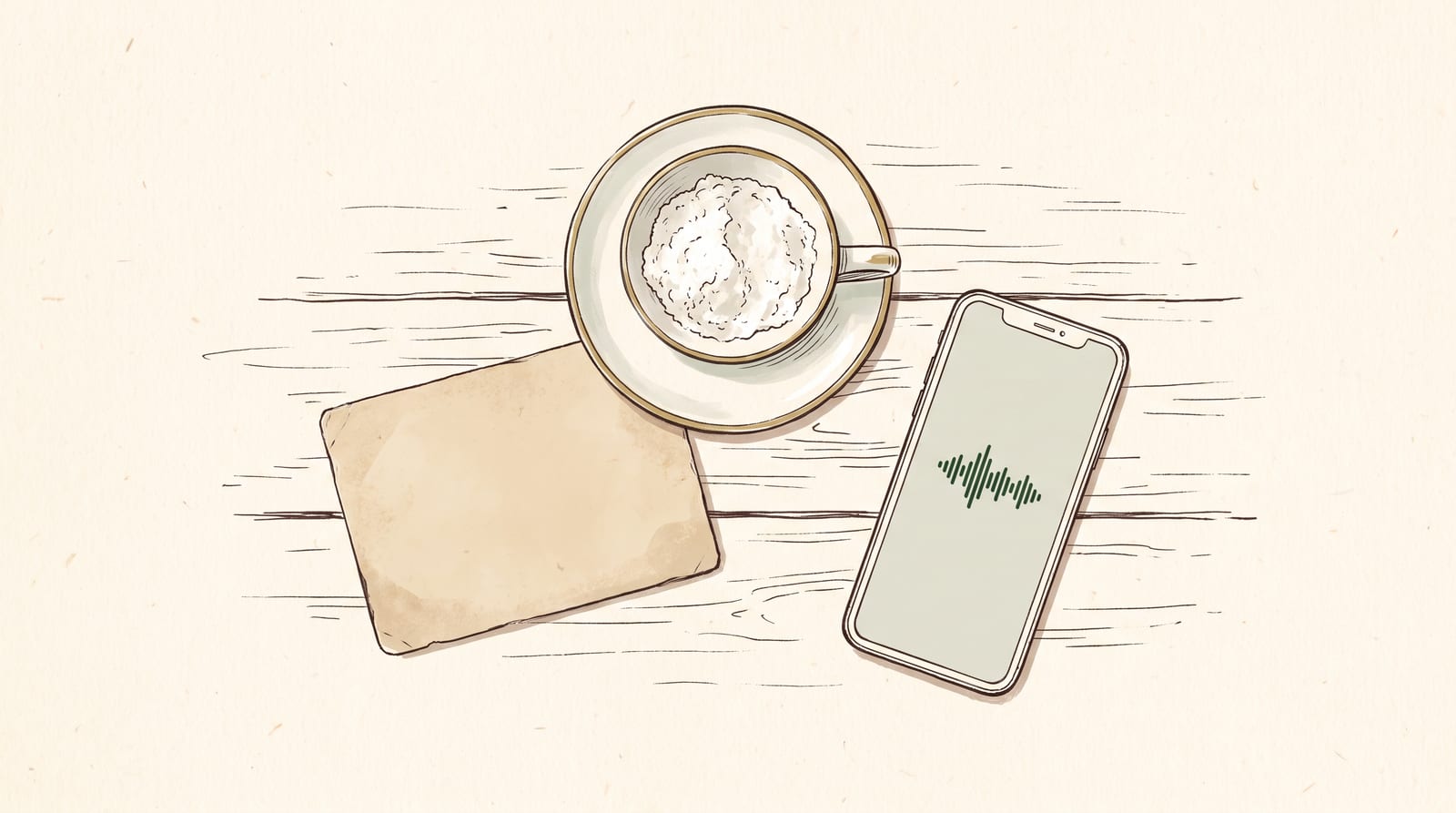
Yiayia's cooking has never been matched, because while she might say "just a pinch of salt", you might be surprised how big a pinch is to her. When she says "a cup of flour" she means a literal teacup she keeps in a cupboard above the stove.
Most of these recipes are never written down. They are held by one person, and then they are not. Even the recipes that are scrawled onto a scrap of paper will never match an afternoon spent with them, seeing just how big that pinch really is.
So: an afternoon, a kitchen, and a phone on the bench. Voice import, which is part of a quiet counter PLUS, records someone cooking and gives you back the recipe written in their words. Here is how to record an heirloom recipe.
Before you go
Pick the dish they are known for, and tell them a week ahead that you want to cook it together. This matters more than any setting in the app. Someone who has been asked to perform a recipe on the spot will skip the parts they do by habit, which are exactly the parts you are there for.
One number to know before you start. The recording holds twelve minutes in total, and twelve minutes of someone talking goes a long way. You will spend most of it on the parts where they explain something, and none of it on the pasta boiling.
Setting up
Open the Library, tap Import, and choose Record.
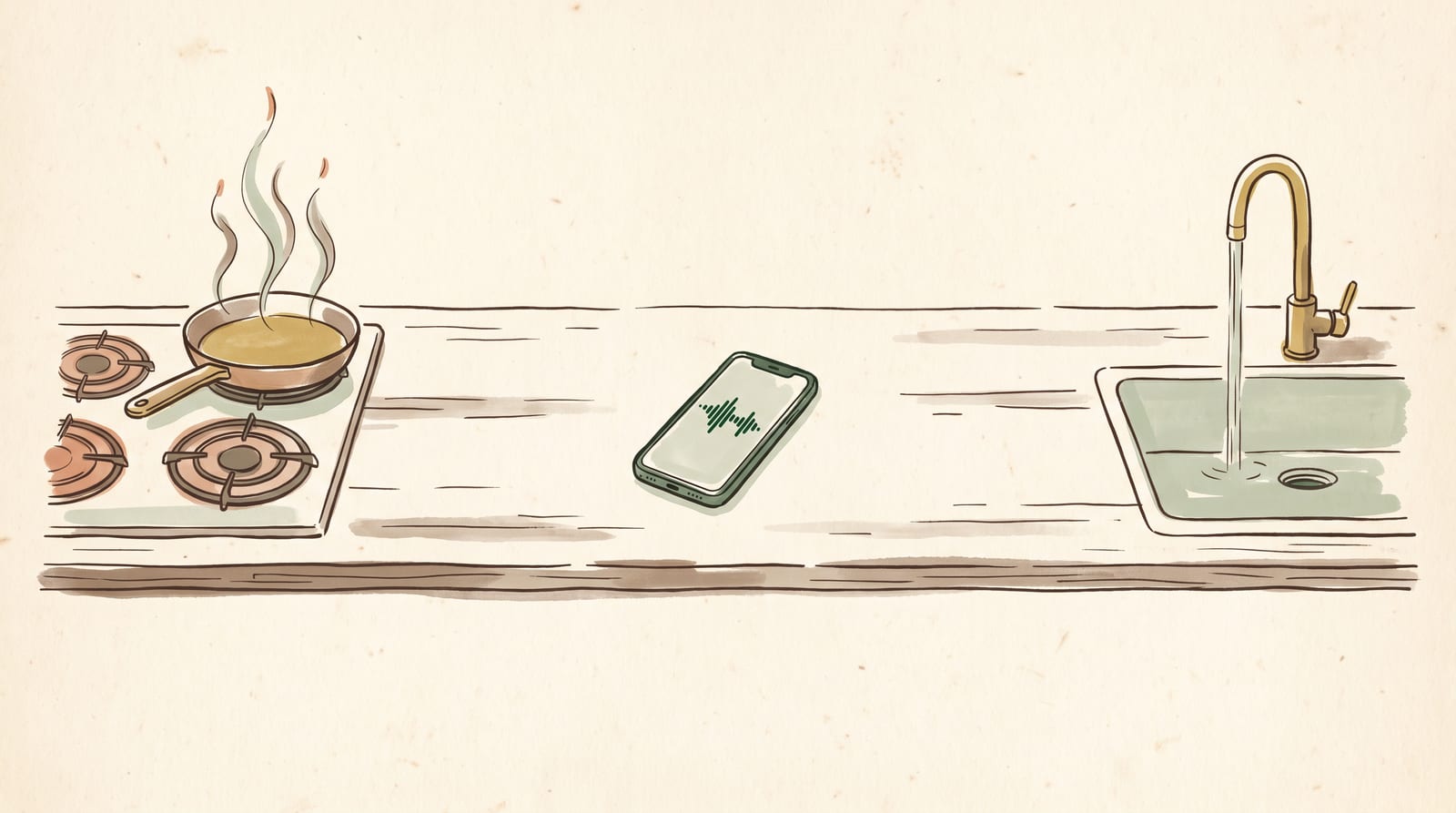
Hold the phone between you like you're both talking to somebody on speaker phone. Closer to them than the pan, not near the extractor fan, and not next to the tap.
The recording is segmented for safety in a loud kitchen: you stop it and start it as many times as you like, and it stitches back together at the end. So stop it when the noise starts or you need to take a break. Start it again when they talk.
Keep your finger by the record button. As they chop, keep it paused. They explain why they chop it that way? Press record, ask questions.
The four questions
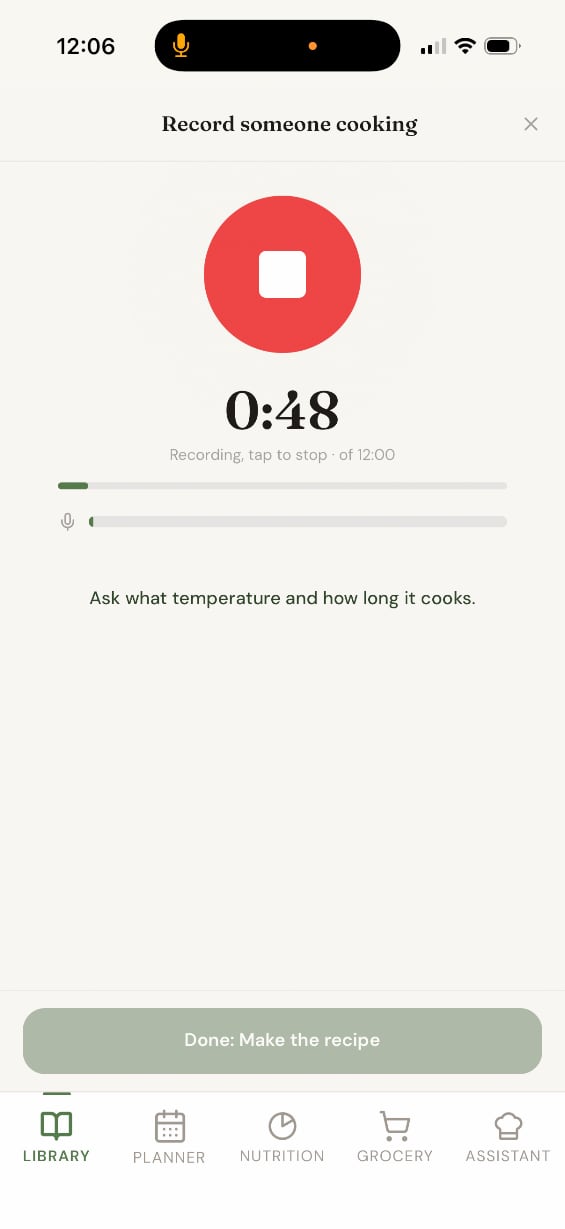
While you are recording, four prompts rotate on the screen. They are your reminders to keep the interview going:
- Ask them what the dish is called.
- Each time something goes in, ask how much.
- Ask what temperature and how long it cooks.
- At the end, ask how many it makes.
Ask them out loud, in those words, even when you feel silly doing it. You'll repeat the same questions over and over: "What did you just put in? How much?" A cook who has made something four hundred times does not narrate the amounts, because to them the amount is not information, it is just what happens. You have to interrupt.
Just remember: The recording only knows what is said. If nobody asks how much butter went in, then how much butter went in is not recorded anywhere, and no amount of clever processing afterwards will recover it. The app will notice the gap and ask you about it later, but by then you might be at home guessing.
So ask. And when they answer "enough", or "this much" (which they will) say the answer out loud yourself so it is on the recording. "So that's about a teacup of flour." We'll sort out the rest.
What comes back
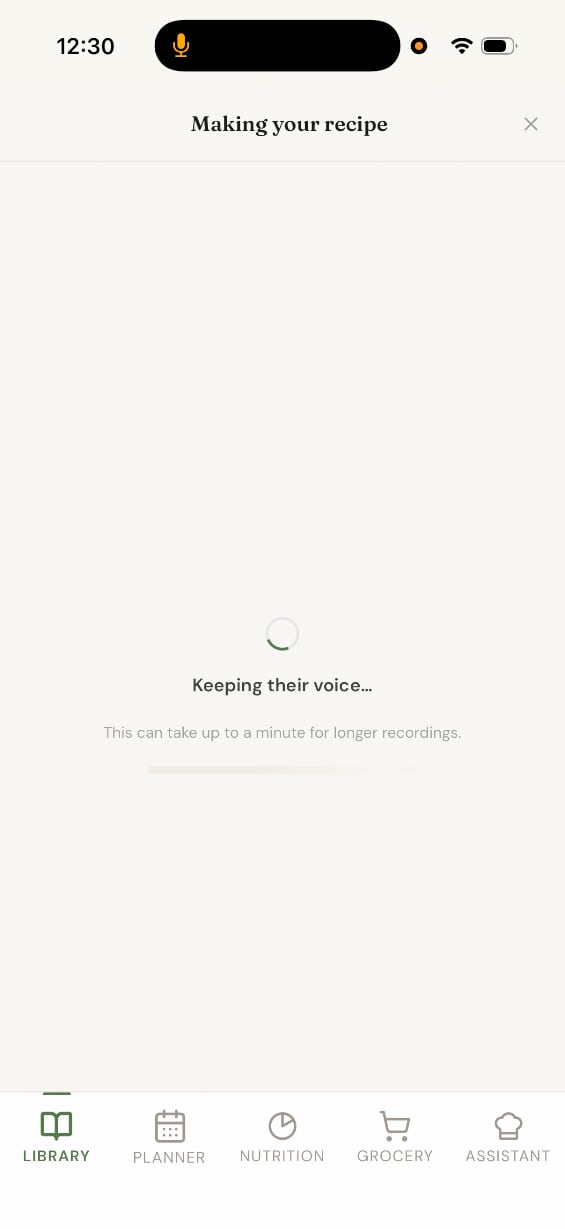
When you stop, it goes away and thinks. Twenty to forty seconds for a short recording, up to a minute for a long one.
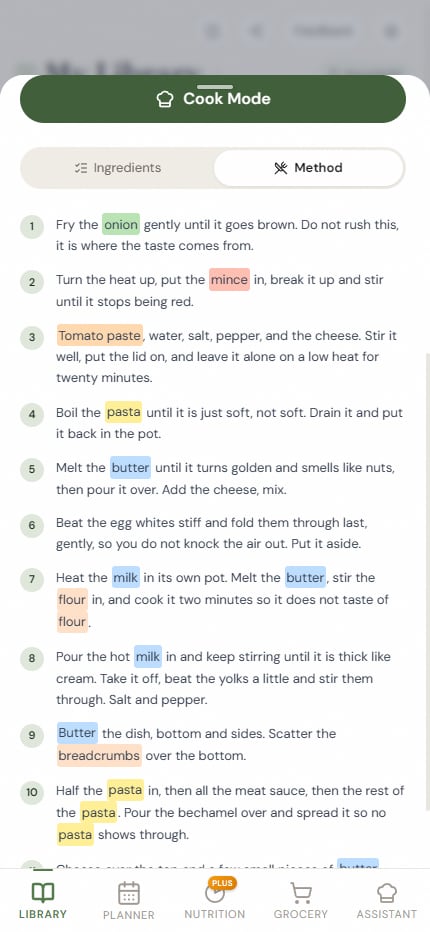
You get a recipe, not a transcript: an ingredients list and numbered steps, written the way they said it. If she told you to fry the onion gently and not rush it because that is where the flavour comes from, that is what the method says. The way they speak will live within the recipe. So does the order they do things in.
Read it with them still in the room. They will correct two or three things immediately, and you can make those adjustments together.
The gaps
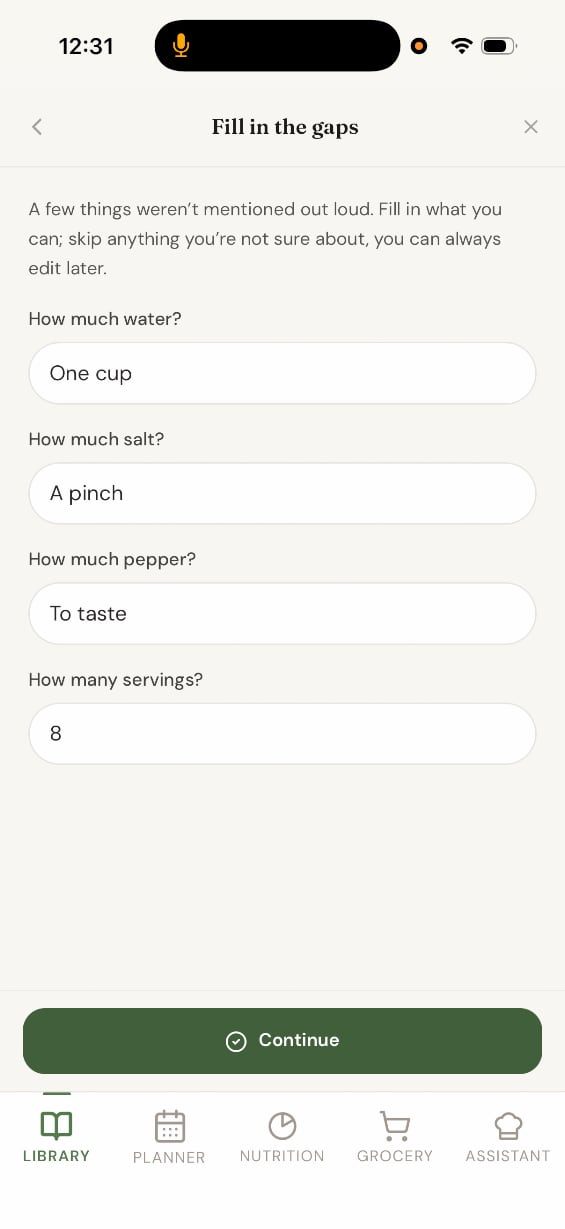
Anything they never quantified comes back as a short list of questions. On our run it asked four: how much water, how much salt, how much pepper, and how many it serves.
Answer them there, at the table, with the cook next to you. You can skip this and do it later, and the recipe will save perfectly well without it, but that will mean guessing.
You do not have to turn her answers into numbers. "A pinch" and "to taste" go in exactly as she says them, and they are more honest than a figure you invented on the drive home. Where the amount decides whether the dish works, though, ask her to show you and weigh it. Her teacup of flour turned out to be ninety grams. That is ninety grams for her teacup, and you are writing this down for people who will never hold that cup.
Nothing here is one-shot
This is the part people worry about most, so it is worth saying plainly.
You cannot ruin this by getting it wrong on the day. The recording is segmented, so a bad take is one segment and it will not ruin the recipe. If you close the app halfway through, the draft is still there when you come back. Once the recipe is saved you can edit every line of it.
The only part that we do not keep for you is the audio, which brings us to one last thing.
Keep the recording
Save the audio file before you submit the recording.
Do this while you are still on the recording screen. Once you submit and processing starts, the save button is gone. Of everything you do this afternoon, this is the only step you cannot go back for.
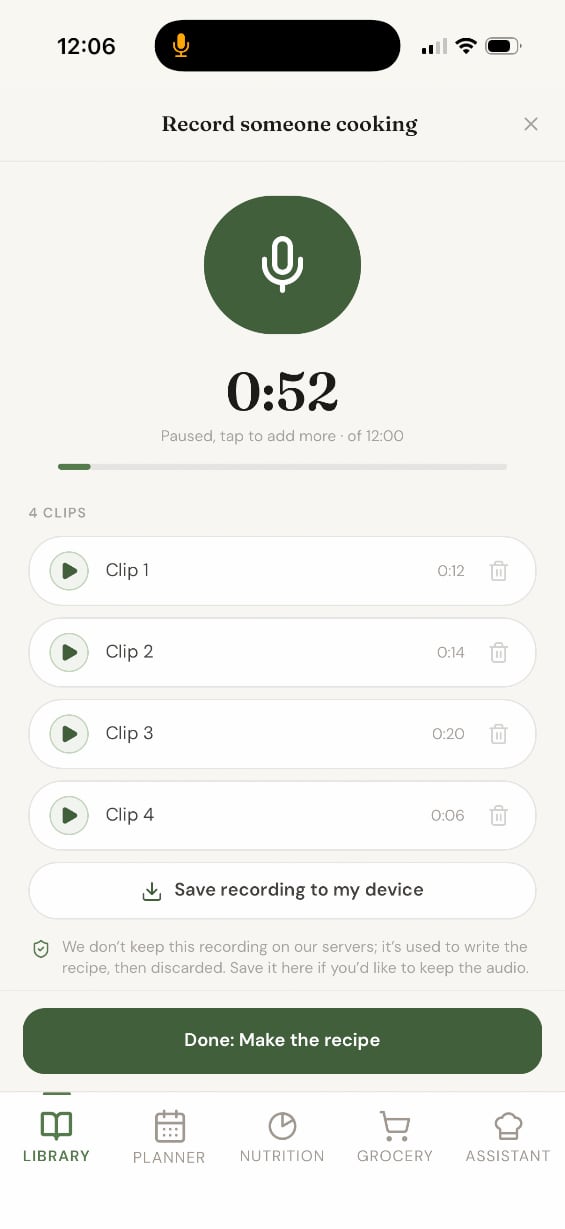
All the segments are stitched into one file, named with the date, which you can keep wherever you keep things that matter. On an iPhone it goes through the share sheet into Files. Do it while you are still there, and play the first few seconds back to check it sounds like them.
We are stressing the importance of this save because we do not keep your recordings, they are yours. To be exact: the audio is sent to Google's servers to be transcribed and is not stored by us afterwards. It is not kept, not attached to your account, and not used for anything else. The copy on your phone is the copy that exists.
At the end of the day you will always have the recipe. Print it out, generate a share code and send it to your family, schedule it in for dinner next Friday.
Before you leave
Take a photo of them holding the finished dish. Turn the lights up and have them hold it close, then set it as the recipe's cover image. The app asks you for a photo as soon as the recipe saves, so the moment is already there in the flow. Every time anyone in the family opens that recipe from now on, that is the picture they see.
When you get home
Cook it that week, while you still remember the bits you did not write down. Change the recipe where it needs changing. Nobody is watching, and she measured with a teacup anyway.